




Choosing 1:1 computing devices for education
Want to speak to one of our education specialists?
Request a call backLaptops, tablets or convertibles? BT will guide you through the choices
The device is the part of your 1:1 strategy that really brings it to life. In the hands of each teacher and learner, the right device is the key to unlocking all the benefits that one-to-one computing can deliver. Through our close strategic partnerships with the world’s leading manufacturers of devices for education, we offer a wide range of options which includes the perfect model for every need and budget.

We’re the experts for 1:1 devices and deployment
Here at we BT, we work with all the top manufacturers of education devices like Acer, HP, Dell, Lenovo, Apple, Asus and Microsoft Surface.
Whilst so many makes and models gives educators an abundance of options to choose from, narrowing it down can sometimes be a challenge. That’s where BT’s education specialists can help.
With tonnes of experience in device provision and 1:1 deployment, they’ll help you make the right device choices for the needs of your school, college or university.
Choosing the operating system is a key decision
Before you look at devices, you’ll need to decide which Operating System you prefer – Microsoft’s Windows 10, Apple’s iOS, or Google’s Chrome OS. This decision needs to be made in conjunction with deciding on the cloud platform or "ecosystem” you'll use, as well as which apps you want to adopt. For example, do you want to run Microsoft Office 365, Apple and iCloud, Google G Suite, or a combination?
Learn more about choosing a cloud platform and productivity apps for education
Microsoft Windows devices
Windows 10 offers a huge range of device formats ideal for students and teachers, including laptops, two-in-ones and convertibles - at price points that work for education. Windows 10 is the platform that students will never outgrow, with all the power and performance to be productive anywhere – on and offline.
Learn more
Apple iOS devices
iPad is so intuitive that students can instantly take an idea and run with it. Designed to create freedom to move and with inbuilt productivity apps, it works everywhere – with or without an internet connection. Mac provides the power for more ambitious projects.
Learn more
Google Chrome OS devices
With a variety of formats available, Chromebooks look like traditional laptops, tablets, two-in-ones or convertibles. They’re meant for browser-based activity, so offer limited functionality offline, but this often makes them attractive from a price-only perspective.
Learn moreThings to look for when choosing devices for education
Is it robust enough to withstand everyday use in school?
Is it light enough for students to comfortably hold and carry around?
Can it be cleaned with a disinfectant wipe?
What form-factor is best for the needs of students and teachers?
How good is the wi-fi antenna for a seamless connectivity experience?
What security features are built into the device?
Can touch and pen be used?
And most importantly, is it affordable?
Learn more about ways to fund your 1:1 programme including leasing and parental contributionsWindows 10 devices for Education
Prepare your students for the future with personalised, inclusive and immersive learning experiences on a device that’s powered by Windows 10. It’s the Windows you know, combined with the security you need and the latest features like Inking and Pen. Some devices come with a specific version of Windows 10 called "Windows 10 Education". In this edition of the operating system, some settings have already been configured especially for use in educational settings, like disabled access to the Windows Store and Cortana.
Good: Great value Windows devices ideal for general use in school
These laptops offer all the functionality that students studying core subjects need. There's plenty of power to keep up the learning pace, plus battery life to see the school day through. They're essential school laptops at prices that help your budget stretch further.
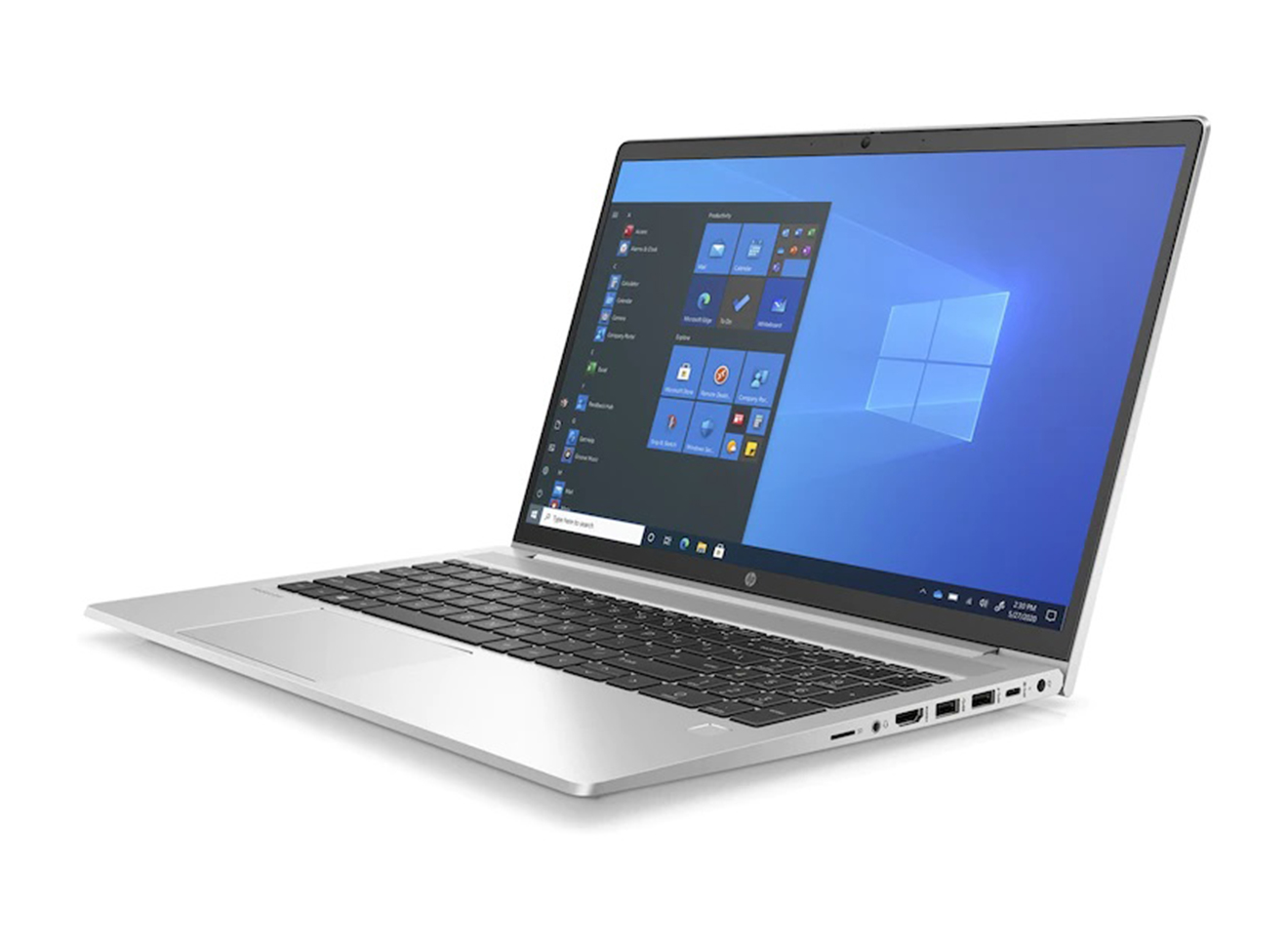
HP ProBook 450 G8 15.6"
- Intel® Core™ i5-1135G7
- 8 GB DDR4-3200 MHz RAM
- 512 GB PCIe® NVMe™ SSD
- 15.6" diagonal, FHD screen
- Windows 10 Pro 64
Better: Mid-range Windows devices with more functionality
Paying a little more often gets you extra functionality too, such as the ability to convert into different form factors (like tent and tablet modes), or more processing power. Check out these mid-range Windows 10 models that are ideal for student use.
Best: High-end Windows 10 devices for older students and teachers
Older students tackling more complex work may need more processing power, or a bigger and brighter display. Higher end Windows devices do more than the norm and can empower pupils to achieve excellence. They're also great for teachers and support staff who may need more power and performance too.
Contact us for education pricing and deals on Windows devices
Apple iOS devices for education
Depending on the needs of your students and teachers, you can go for a mix of both iPad and Mac in your learning environment, alongside Apple TV. Teachers and students can share what’s on their device with the whole class by file sharing, or even mirroring through AirDrop and Apple TV. Our Apple Education Specialists can help you decide on the right devices for your school, college or university. And because we're an Apple Authorised Education Specialist - one of just a handful in the UK - we've got all the know-how you need.
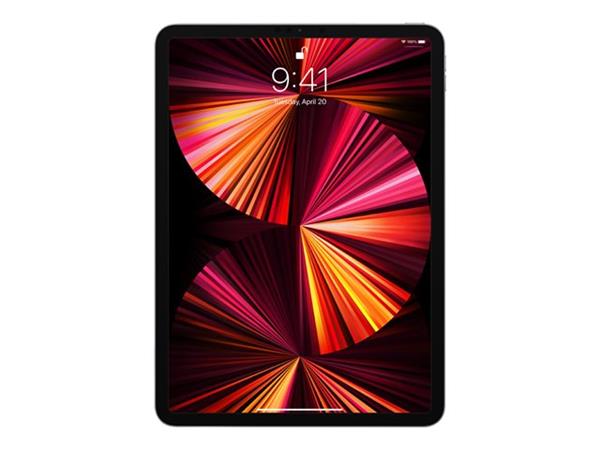

Contact us for education pricing and deals on Apple solutions
Chromebooks for education
We offer Chromebooks from all the major manufacturers of devices for education including HP, Acer, Asus and Lenovo. Designed predominantly for browser-based activity, Chromebooks offer limited functionality offline. This keeps the price low, which can be attractive when making cost-based decisions, but it doesn't always follow that Chromebooks are the cheapest option. The starting price for a Windows 10 device that's built for education can actually be pretty similar.
Good: Great value Chromebooks for every day school use
These every day Chromebooks are great all-rounders and great value. They're ideal for general use in and out of school, offering all the functionality that students need to keep pace with the core curriculum.
Better: Mid-range Chromebooks to do more in school
Pay a little more for your Chromebook and enjoy a better range of features and functionality. Here we've selected a few mid-range Chromebooks that give students more flexibility.
Best: Power, performance and flexible Chromebook functionality
These Chromebooks are best suited for students and teachers who need more power and performance. They typically feature faster processors, more memory and higher quality screens, so are great for coding, graphics and other specialist subjects. Here's just a few of our line up.
£359.39
ex VAT
£431.26 inc VAT
£431.26 inc VAT
Contact us for education pricing and deals on Chromebooks
Get the conversation started
BT has a dedicated team of education specialists. We're here to support you with all aspects of your school, college or university's technology strategy across network, devices and apps. Just tell us how we can help and we'll have one of our education specialists call you back with free, no obligation advice.